
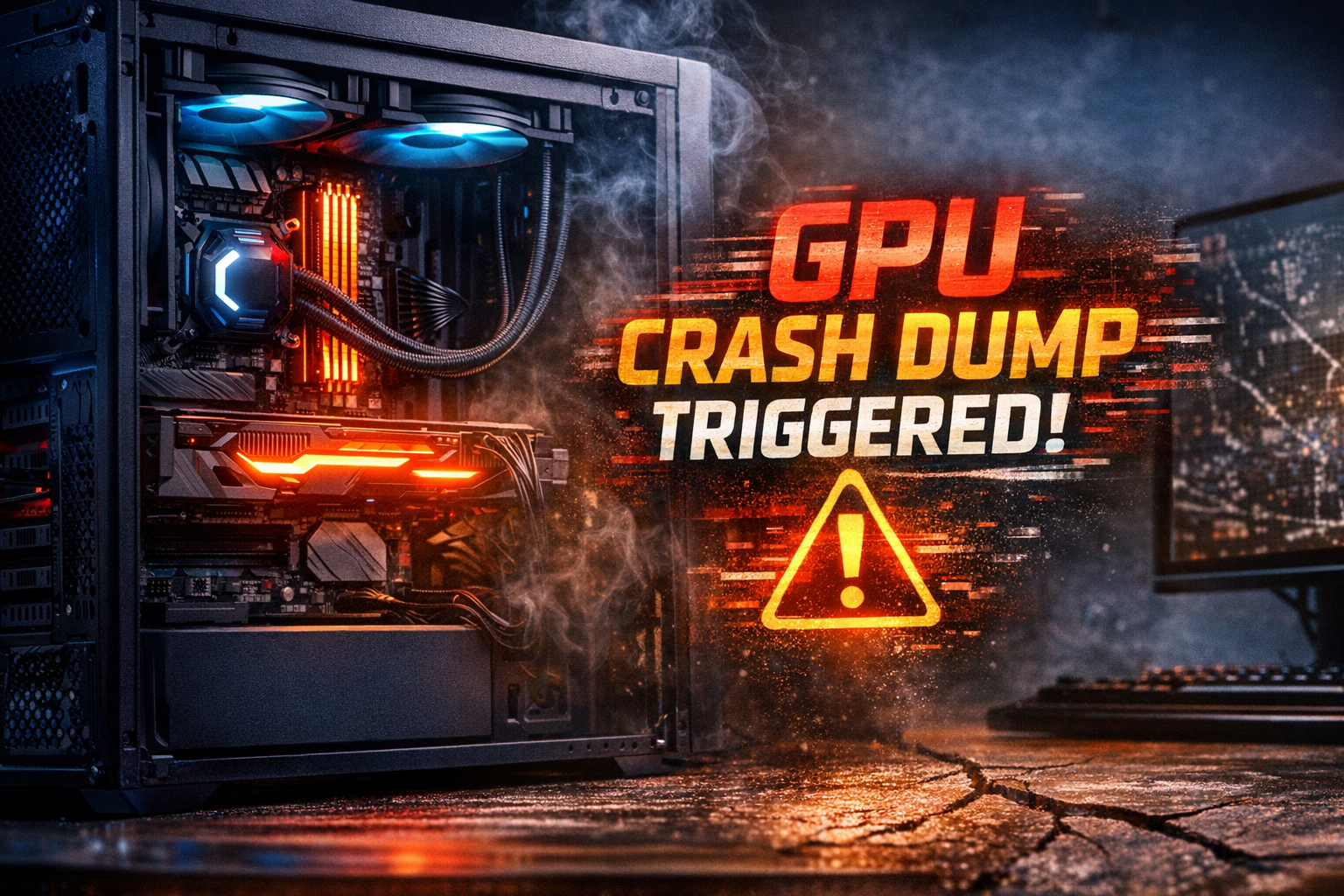
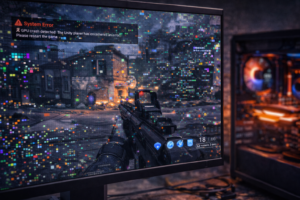
If you’re gaming or working on your PC and suddenly see an error saying “GPU crash dump triggered” or your GPU keeps crashing, you’re dealing with one of the most common and frustrating computer problems. GPU crashes can cause black screens, frozen games, system restarts, and even data loss.
In this guide, we’ll explain what GPU crashes mean, what causes them, and—most importantly—how to fix them step by step.
What Does “GPU Crash Dump Triggered” Mean?
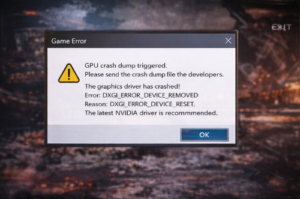
When you see the message GPU crash dump triggered, it means your graphics card failed while processing data and Windows created a crash report to prevent further damage. This typically happens when the GPU becomes unstable due to:
-
Overheating
-
Corrupt drivers
-
Faulty hardware
-
Power supply issues
-
Overclocking instability
If your GPU keeps crashing, the problem is almost always related to one of these causes.
Common Symptoms of GPU Crashes
-
Games closing randomly
-
Black screen while PC is still running
-
PC restarts during gaming
-
The display driver stopped responding
-
Blue screen errors
-
Stuttering or graphical artifacts
Main Reasons Why Your GPU Keeps Crashing
1. Overheating
High temperatures are the #1 reason GPUs crash. If your GPU reaches unsafe temperatures, it will shut down to protect itself.
2. Corrupt or Outdated Drivers
Bad drivers cause instability and frequent GPU crash dumps.
3. Power Supply Problems
An underpowered or failing PSU cannot supply enough power to the GPU, leading to crashes.
4. Overclocking Issues
Unstable overclocks push your GPU beyond safe limits.
5. Faulty Hardware
A failing GPU, bad VRAM, or damaged motherboard slot can cause constant crashing.
Step-by-Step: How to Fix GPU Crashing
Step 1: Check GPU Temperature
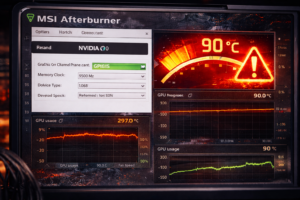
Download MSI Afterburner or HWMonitor and check GPU temps while gaming.
-
Safe range: 60–85°C
-
Above 90°C = dangerous
Fix:
-
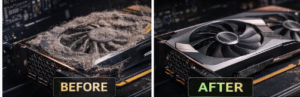
Clean dust from your PC
-
Improve case airflow
-
Replace thermal paste (advanced users)
-
Increase fan speeds
Step 2: Reinstall Graphics Drivers
Corrupt drivers are a major cause of GPU crash dump triggered errors.
How:
-
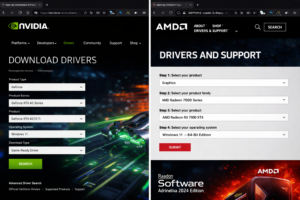
Download DDU (Display Driver Uninstaller)
-
Boot into Safe Mode
-
Remove all GPU drivers
-
Reinstall the latest drivers from NVIDIA or AMD
Step 3: Disable Overclocking
If your GPU keeps crashing, return all settings to stock.
-
Reset GPU clocks
-
Reset memory clocks
-
Reset voltage
Test stability again.
Step 4: Check Power Supply
Make sure your PSU meets your GPU’s wattage requirements.
-
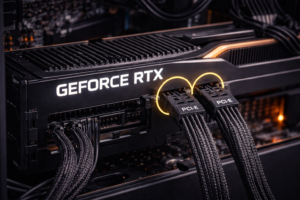
Reseat power cables
-
Try another PSU if possible
-
Use a dedicated GPU power cable (no splitters)
Step 5: Scan for Windows Errors
Run these commands as Administrator:
This repairs corrupted system files that can cause GPU instability.
Step 6: Stress Test Your GPU
Use tools like:
-
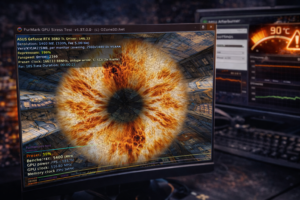
FurMark
-
Heaven Benchmark
-
3DMark
If your system crashes during testing, the GPU or PSU is likely failing.
When Is the GPU Itself the Problem?
If none of the fixes work and your GPU keeps crashing across multiple systems or power supplies, the GPU hardware may be defective. Signs include:
-
Artifacts on screen
-
Crashes under light load
-
Crashes on fresh Windows install
At this point, replacement or professional repair is recommended.
Final Thoughts
A GPU crash dump triggered error is your system’s warning sign that something is wrong. Most GPU crashes are caused by overheating, driver problems, or power issues — all of which can be fixed with the steps above.
Fixing the problem early prevents permanent hardware damage and keeps your gaming PC running smoothly.

Hi, this is a comment.
To get started with moderating, editing, and deleting comments, please visit the Comments screen in the dashboard.
Commenter avatars come from Gravatar.