
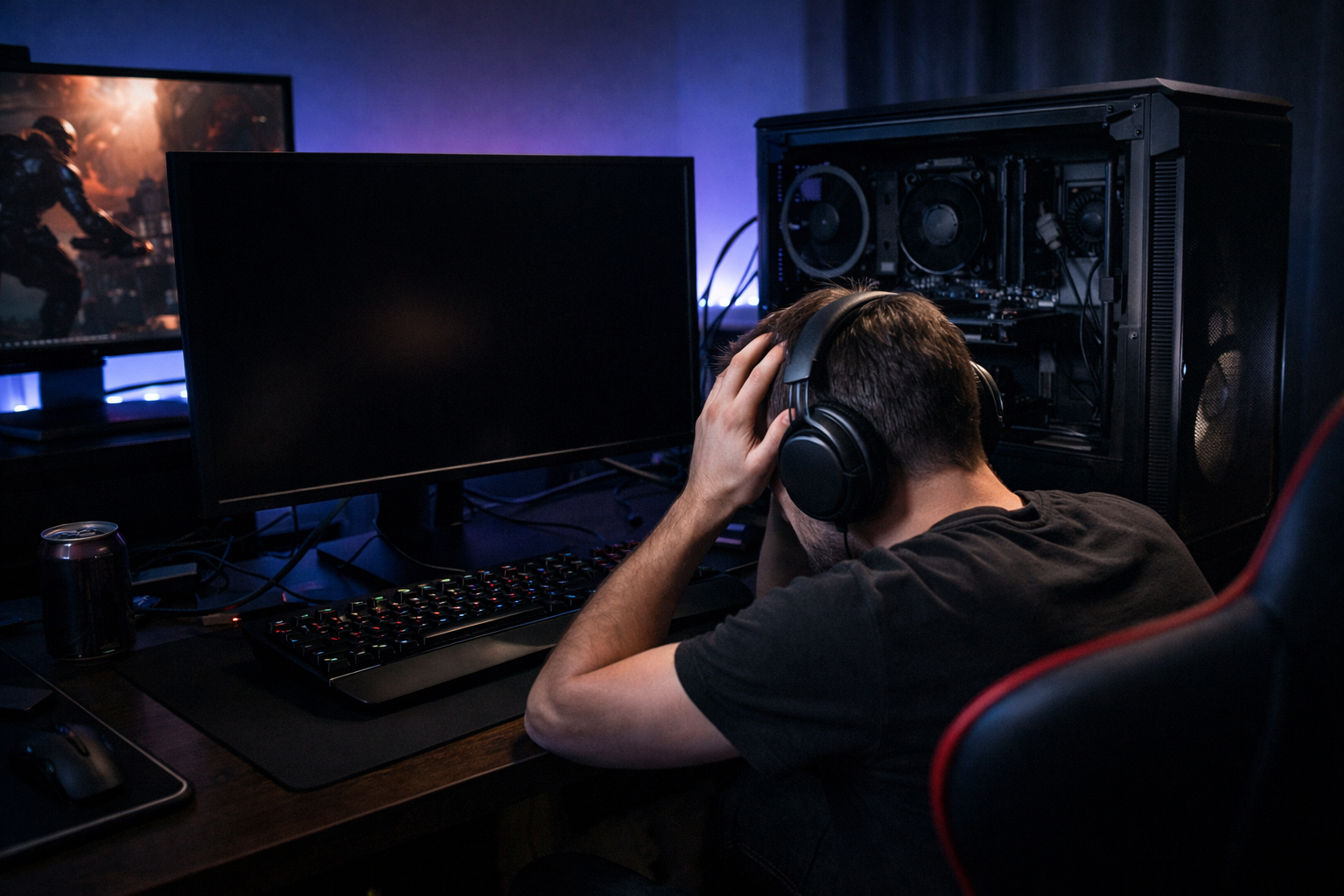
If your PC randomly turns off without warning, especially while gaming, streaming, or doing demanding tasks, it’s a serious issue that shouldn’t be ignored. Many gamers search “Why does my PC randomly turn off?” because the shutdowns often happen suddenly, with no error message or blue screen.
A PC turning off randomly is usually a safety response triggered by overheating, power instability, or failing hardware. In this in-depth guide, we’ll break down exactly why it happens, how to diagnose the root cause, and how to fix it permanently.
How a Random PC Shutdown Happens
When a PC loses power instantly, it means the system is cutting itself off to prevent damage. Unlike a crash or blue screen, a sudden shutdown is usually related to hardware-level protection mechanisms rather than software errors.
That’s why when people ask, “Why does my PC randomly turn off?”, the answer almost always points to thermal or power issues first.
Common Signs Your PC Is About to Shut Down Randomly
PC shuts off instantly with no warning
The screen goes black, and the fans stop
Happens during gaming or high-performance tasks
PC won’t turn back on until it cools down
Random shutdowns become more frequent over time
These signs indicate a PC turning off randomly due to stress or instability.
Main Reasons Why Your PC Randomly Turns Off
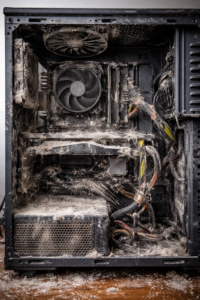
1. CPU or GPU Overheating (Most Common Cause)
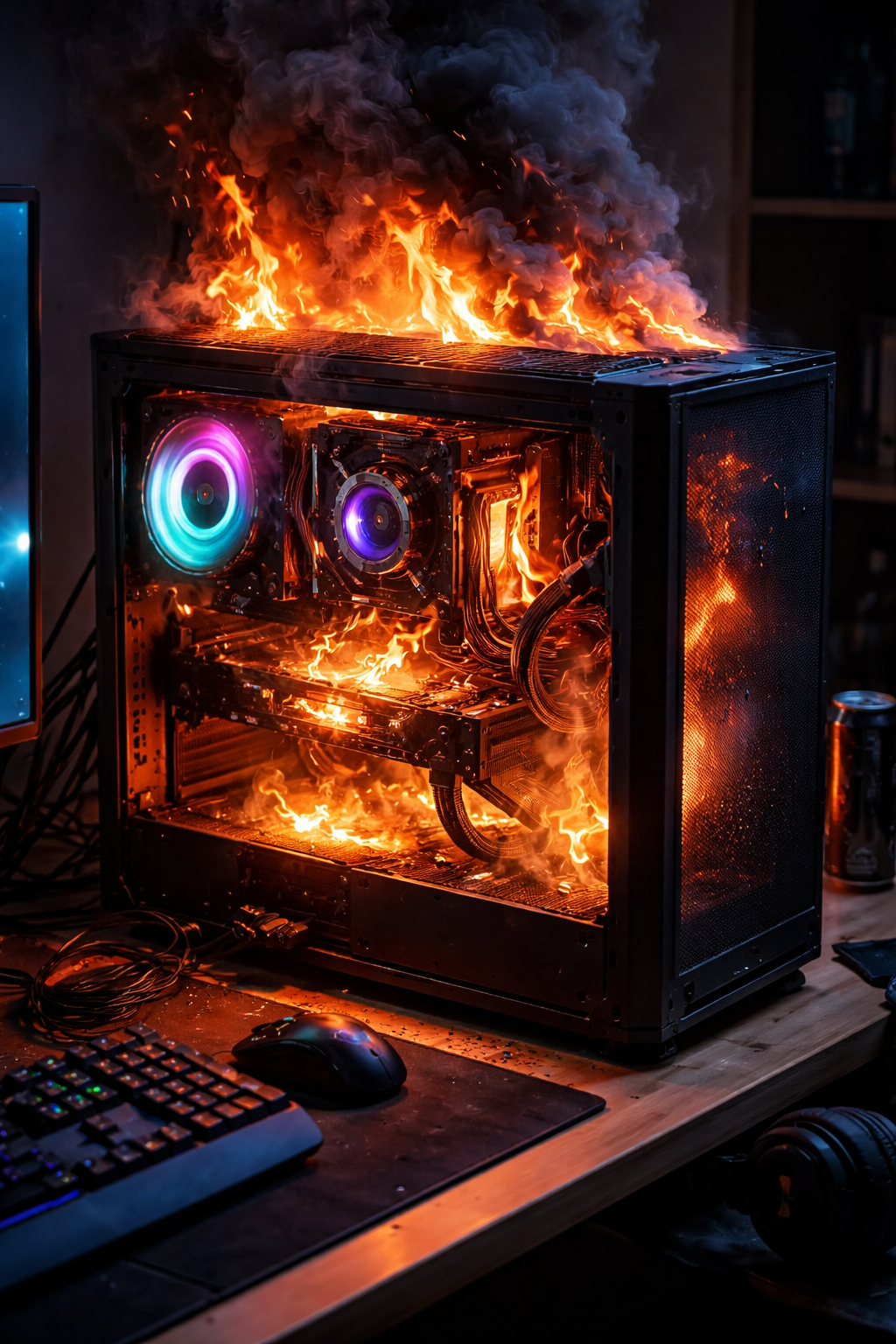
Overheating is the #1 reason a PC randomly turns off. Modern CPUs and GPUs have built-in thermal protection that forces a shutdown when temperatures exceed safe limits.
Why does this happen?
Dust buildup blocks airflow
Old or dried thermal paste
Poor case airflow
Failing CPU or GPU fans
What to do:
Clean dust from fans, heatsinks, and filters
Reapply thermal paste to the CPU
Add or reposition case fans
Monitor temps using HWMonitor or MSI Afterburner
CPU: 60–85°C
GPU: 60–85°C
Above 90°C = shutdown risk
2. Power Supply Issues (Very Common)
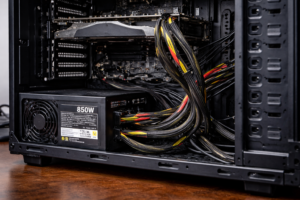
A weak, failing, or low-quality PSU is another major reason why your PC randomly turns off. Gaming PCs require stable power, especially during GPU spikes.
Common PSU problems:
PSU wattage too low for GPU
Aging power supply
Loose or damaged cables
Cheap power supply with unstable rails
Fix:
Check GPU power requirements
Use a reputable PSU brand
Reseat all power cables
Replace the PSU if shutdowns persist
If your PC turning off randomly happens mostly during gaming, the PSU is a prime suspect.
3. Faulty or Overstressed Hardware
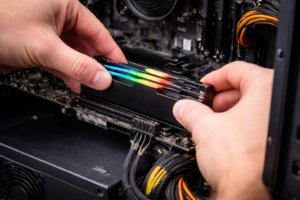
Hardware components can fail gradually over time, leading to instability and shutdowns.
Possible culprits:
Bad RAM modules
Failing GPU
Motherboard power delivery issues
Fix:
Reseat RAM and GPU
Test RAM using Windows Memory Diagnostic
Run a system with minimal components
4. Corrupt Windows System Files or Drivers
Although less common than hardware issues, corrupted system files or drivers can cause system instability.
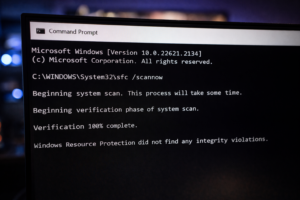
Fix corrupted files:
Run Command Prompt as Administrator:
This repairs system files that may be contributing to your Problem.
5. BIOS or Firmware Problems
Outdated BIOS firmware can cause poor communication between hardware components, leading to shutdowns.
Fix:
Update the motherboard BIOS
Reset BIOS to default settings
Disable unstable overclocks
6. External Power Problems
Sometimes the issue isn’t your PC at all.
Check for:
Faulty power strips
Loose wall outlets
Power fluctuations
Fix:
Plug the PC directly into the wall
Try a different outlet
Use a UPS for clean, stable power
How to Diagnose Why Your PC Randomly Turns Off
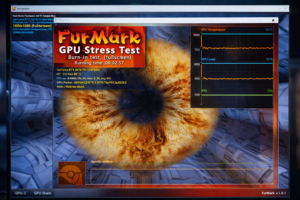
Step 1: Stress Test Components
Use:
Cinebench (CPU test)
FurMark (GPU test)
Results:
Shutdown during CPU test → CPU cooling or PSU
Shutdown during GPU test → GPU or PSU
Step 2: Monitor Temperatures
Run temperature monitoring software while gaming. Sudden spikes before shutdown confirm overheating.
When Should You Replace Hardware?
If your PC keeps turning off randomly after fixing temperatures, drivers, and power issues:
Replace PSU first (most common failure)
Then test the GPU
Lastly, consider motherboard replacement
How to Prevent Random PC Shutdowns in the Future
Clean your PC every 3–6 months
Monitor temperatures regularly
Avoid cheap power supplies
Don’t overclock without proper cooling
Keep BIOS and drivers updated
Final Thoughts
If you’re constantly asking, “Why does my PC randomly turn off?”, don’t ignore it. A PC turning off randomly is a warning sign that something is wrong — but in most cases, it’s completely fixable.
By identifying the cause early, you can prevent permanent hardware damage and keep your gaming PC running smoothly and safely.